

Room to experiment
Each student works in their own lab, with progress saved to their account.

 litefoundry
Spend your session explaining, exploring, and helping students move forward. Give everyone a lab of their own and keep the class together.
Each student works in their own lab, with progress saved to their account.
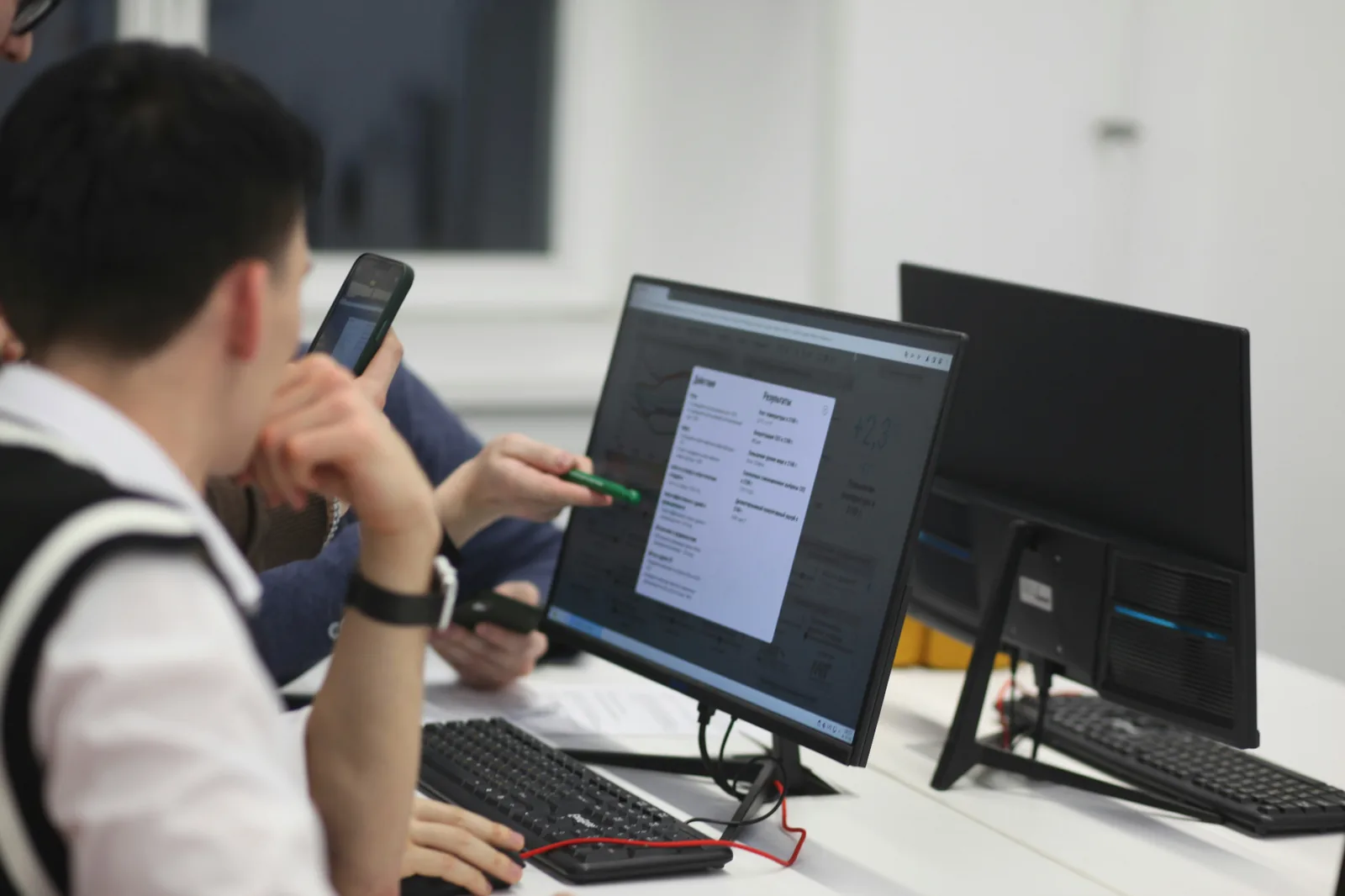
Draw over the workshop, share notes, and bring your explanation into the task.
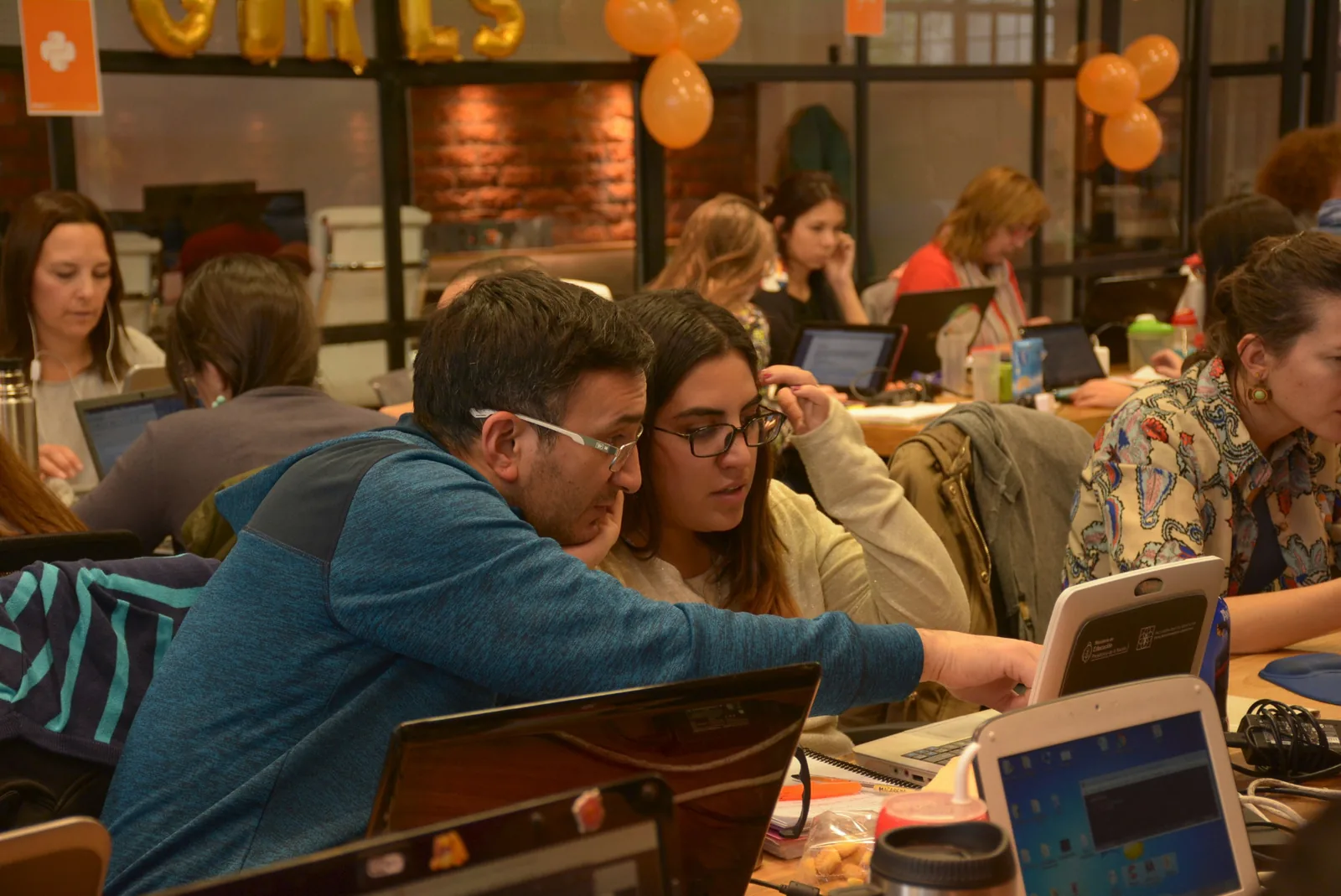
Follow the leaderboard and export names and results when the session ends.
Choose your topic, group size, and date. We’ll work through the setup with you.
Students sign in, enter your workshop code, and get their own lab.
Work through challenges, help students in context, and leave with a record of their progress.
The firewall pilot includes instructor controls for the things a live workshop needs.
Contact Damian to discuss your group and instructor setup. Instructor access is currently arranged directly.
Bring a topic, a group, and a date. Let’s build a workshop worth showing up for.
Plan a workshop